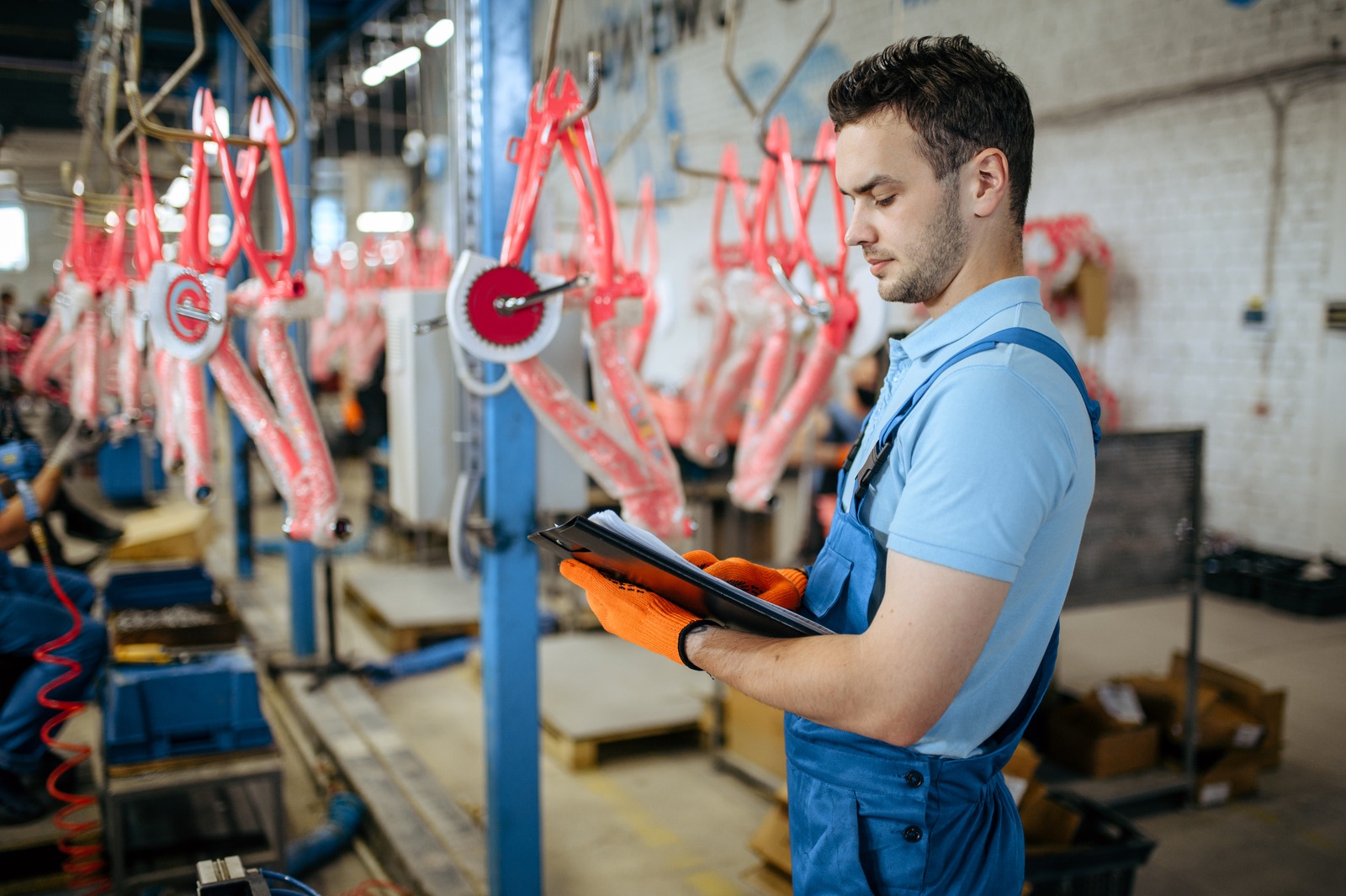
At a contract painting company with twelve people, parts arrive from customers, go through the spray booth and travel back to whoever sent them. The managing director looks after both sales and production, and information moves by word of mouth or on sheets of paper. The bill of materials for each job is an Excel file to which, with every order, someone adds a column. Three years earlier the company had bought a document management platform and built a single document workflow, which followed the production stages with a confirmation from the operator. Nobody has opened it for a long time.
The owner was not asking for more technology. He wanted to know how much each job earns and to stop acting as the go-between for the shop floor, customers and suppliers. He did not, however, want to weigh down the work of people who talk to each other from one desk to the next.
What should a document workflow do in a twelve-person company?
It should produce consistent documents, collect approvals and signatures and file them with their history, without adding steps for the people on the shop floor.
With three decision-makers a few metres apart, asking an operator to confirm on a computer a stage just completed seemed pointless, and in part it was. The fear of adding bureaucracy is well founded when the workflow replicates what people already say to each other. A document workflow becomes useful when it produces a document that someone outside the room needs. Documents of this kind include the quote signed by the customer, the receipt for protective equipment signed by the employee and the technical sheet a maintenance technician opens from the machine.
In small companies the most reliable approach is to digitalise one process at a time. Once built and tested, a workflow rarely changes. For this reason it makes sense to start with the process that produces a document for someone outside the department that fills it in, and that currently generates a recurring error. Typical examples are a customer who receives a quote prepared on the wrong template, or an employee whose signed receipt cannot be found.
Times per stage and consumption belong in the management system
Knowing how much a job earns requires each operator’s time on each stage and the paint actually used compared with the recipe. The owner quoted a consumption of thirty-eight kilos of paint per thousand parts, sometimes a kilo less. These are production data, and their place is the management system. Its production module, the MES, links shop-floor stages to jobs and warehouses.
The first project had asked the document platform to follow the production stages, and management control had been left uncovered. During the analysis Aesir proposed first checking how far the production functions of the current management system go. Where they are needed, the offer includes an ERP with an MES component, NTS Informatica’s Business Experience, for which Aesir is a Gold Partner. The document workflow keeps the documents: templates, approvals, signatures, archiving and long-term preservation.
A bill of materials with locked fields is not reinvented for every job
A bill of materials filled in on a different sheet every time is the most frequent source of error in a company of this size. It only takes a renamed column, a paint identified by a different number or a table added by whoever fills it in. The document remains readable for whoever wrote it, but not for whoever has to calculate the cost of the job.
With a document template the structure is fixed. The system generates the form with some editable fields and others locked, and anything outside the expected fields is not read. Raw materials are not typed in: the platform queries the management system’s database and proposes only registered items, possibly only those in stock, without duplicating the master data.
The same principle applies to data entry screens. Mandatory fields block saving until they are filled in, and drop-down menus restrict the choice to permitted values. Cascading fields update according to the previous entry. The technical condition is that the management system’s database can be queried, and this is checked during the analysis, before the template is designed.
How is a document workflow started away from the office?
From a form filled in on site, from the text of an email sent to a dedicated address or from a PDF read with zonal optical character recognition.
A builder of industrial plants has around forty technicians between its workshop and its sites. Commissioning reports arrived on handwritten sheets that were hard to read. The request was for a guided report, with few fields and a clearly visible send button. In the demonstration the technician chose the job and watched the related fields fill in. The system generated the PDF from the template and sent it to the customer as a link, recording the download. After three or four days without a reply, an automatic reminder went out.
The form can also be created outside the platform, with an external form tool or a field app. The platform uses zonal optical character recognition to read the PDF generated by the form, or retrieves the data from the body of the email that reaches the dedicated address and starts the process. On plants installed at customers’ premises, a QR code applied to the machine opens the manuals and technical sheets for that specific asset.
Twelve people, three decision-makers and a workflow to redesign
At the painting company the first version asked people to confirm on a computer stages they already communicated by word of mouth, and asked the platform to do a management system’s job. Meanwhile the managing director remained the point through which every piece of information passed, from missing paint to a delayed delivery. Documents multiplied under different names, and nobody used the existing templates. When several people worked on the same file, some information got lost.
The analysis separated production data from documents. Times, consumption and bills of materials stay in the management system; the document workflow follows two processes that produce a document for someone outside the department. The first is the sales process: visit, quote, customer record, privacy notice, quote sent by email and signed, order, with consistent templates and a history of every step. The second concerns the issue of personal protective equipment: the employee signs the receipt on a tablet and it is sent to compliant long-term preservation.
Bills of materials are filled in on a template with locked fields, linked to the raw materials in the management system. The QR code on the machines opens the right document without searching through folders. The next demonstration was built on those two processes, using the company’s real documents.
Insight. The first workflow followed shop-floor stages that nobody needed to read on a screen, and left without a template the documents meant to leave the company: signed quotes and receipts. Reversing that choice reduced the project to two processes and left the margin calculation to the management system.
Where each piece of data sits in a document workflow for production
| Information | Where it is managed | What it produces |
|---|---|---|
| Quote and order | Document workflow | Consistent, signed document with the history of each step |
| Issue of protective equipment | Document workflow, signature on tablet | Signed receipt in compliant preservation |
| Bill of materials for the job | Template with locked fields | Raw materials chosen from those registered in the management system |
| Times per stage and actual consumption | Management system with production module | Cost and margin of each job |
| Manuals and technical sheets | Document archive with a QR code on the machine | Document opened directly from the asset |
Before designing a document workflow it is worth deciding:
- which document the process produces and who receives it;
- which fields the operator fills in and which come from the management system;
- whether the management system’s database can be queried, and with what permissions;
- who approves and who signs, and with which device: tablet, smartphone or workstation;
- which documents go into compliant long-term preservation;
- which process starts first and which will follow.
Signatures, preservation and integration
For signed documents that must retain their value over time, the reference is the article on compliant digital preservation. A signature on a tablet is one of the electronic signatures governed by the EU eIDAS Regulation, which sets its legal value according to the type of signature. If the company already has an archive to recover, the order of decisions is the one described in the article on document archive migration.
Aesir Srl is an ARXivar system integrator: it configures the platform, connects it to the management system and email, and supports its adoption across departments. The connection to the management system is native with Business Experience and relies on available or purpose-built connectors with other systems. Our infrastructure is certified ISO 9001, 27001, 27017 and 27018, with our own Tier IV data centres in the European Union and replication between sites.
Questions from small companies about the document workflow
Does a document workflow slow down work on the shop floor?
It does if it asks for confirmations that produce no document. Built on guided forms, with data suggested by the management system, it reduces verbal hand-offs and after-the-fact corrections.
Can ARXivar read items and stock levels from the management system?
Yes, by querying its database or its programming interfaces, without duplicating master data. Feasibility depends on the management system in use and is checked during the analysis.
Can a process be started from a form filled in away from the office?
Yes: from an external form, from the body of an email sent to a dedicated address or from a PDF read with zonal optical character recognition. The process starts from the data, without anyone retyping it.
Can the platform run under an interface other than its own?
Yes. ARXivar’s standard interface relies on exposed programming interfaces, and some companies use it as the engine for documents and processes beneath a portal or app their operators already know.
Which process should come first?
The one that produces a document for someone outside the department and currently generates a recurring error, such as a quote to be signed or a delivery to be documented. One process at a time makes it possible to check the result before extending the project.
Let’s talk
A document workflow is measured by the documents it produces: signed quotes filed with their history, receipts in long-term preservation, bills of materials filled in without invented columns. If you would like to explore the subject or assess the situation in your own company, you can fill in the form at the bottom of this page or write to support@aesir-tech.it: we will arrange a free consultation and start from your numbers.