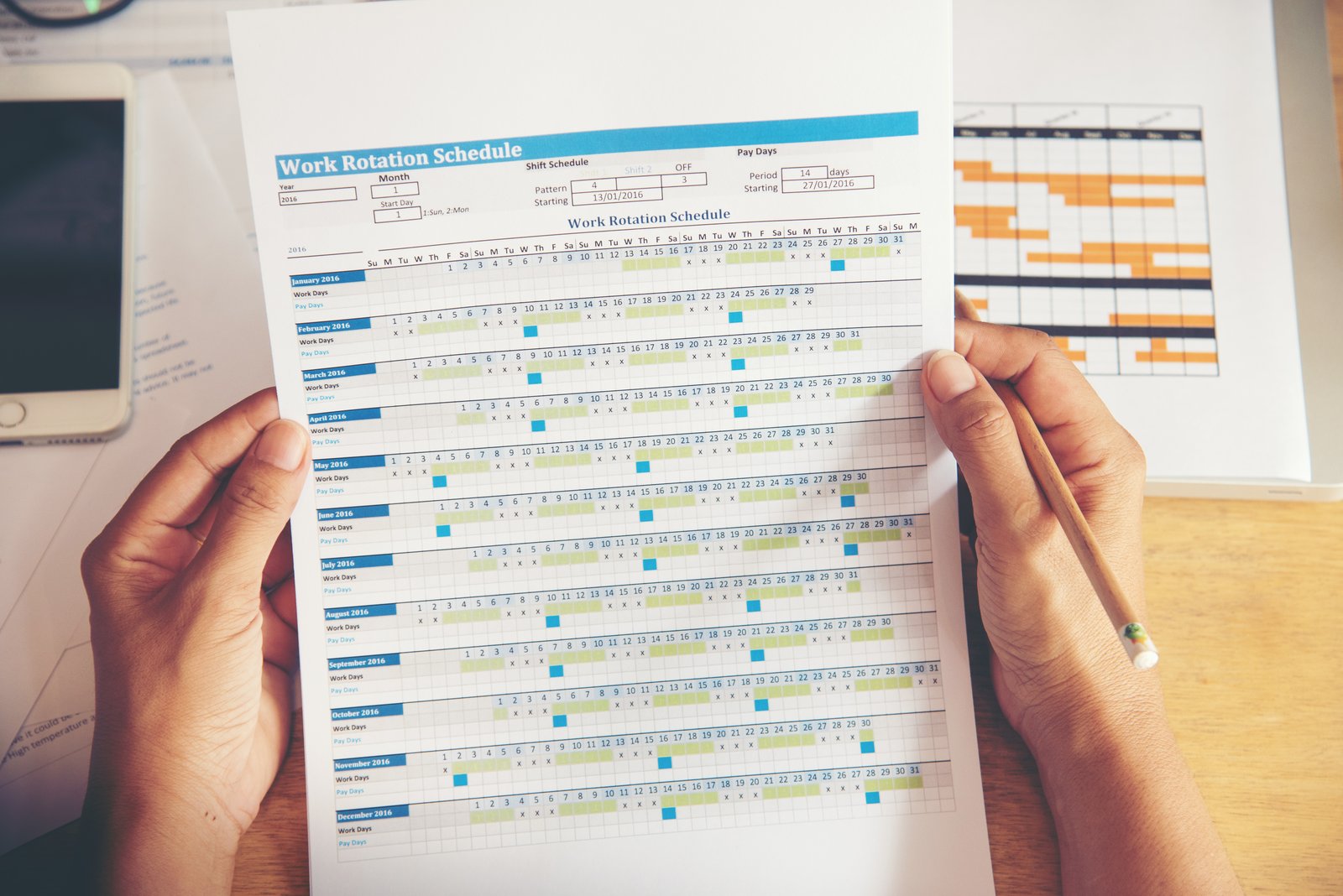
On the last day of the month the HR office exports a spreadsheet from the project management system and retypes the hours, person by person, into the payroll bureau’s portal. In companies under fifty employees this is still the most common practice, and not because tools are missing: what is missing is a single place where attendance, absence and authorisation meet before they turn into a payslip. Time and attendance management weighs on an organisation not at the moment of clocking in, but in the forty-eight hours during which the month has to be closed.
Time and attendance management: the cost sits in the month-end close
At an engineering firm working on project assignments, with eight people between the office and site visits, every colleague filled in a daily timesheet after an email reminder. At month end the owner exported the file, opened the payroll portal and retyped the data line by line. The arrangement worked, and nobody would have called it a problem. Then the gap surfaced. Overtime entered by the individual reached the payroll bureau without passing through any authorisation. Whoever recorded the hours was paid for them, and whoever should have approved them found out once the payslip had been issued.
The owner summed it up plainly: he did not feel he had the situation under control. He was not talking about trust in his people, but about a missing formal step between what gets recorded and what gets paid.
How does attendance recording from a smartphone work?
The technical detail that follows matters to a finance department for one reason: each recording method produces its own kind of exception, and exceptions are what fill the forty-eight hours of the close. Kiosk users forget to clock out, smartphone users clock in outside the perimeter, and whoever does not clock at all has to be filled in by hand.
The employee records entry and exit from a mobile application, and the platform attaches the location, the time and the person’s contractual profile to the entry.
In time and attendance management three recording methods coexist in the same company. The first is the computer, through a widget on the home page, for office staff. People moving between customers and sites record from a smartphone instead. Operational departments that do not use a personal device get a kiosk, with a QR code that changes every five or six seconds displayed on a tablet at the entrance. Anyone without a smartphone is given a unique code. An existing badge reader can be connected through an interface, as a dedicated piece of work.
Geolocation allows two settings. In the first, the place of clocking is recorded and reviewed afterwards. In the second, a virtual perimeter is drawn around the work address, a fence of fifty, one hundred or five hundred metres depending on the context. Clocking is only accepted inside it. The perimeter is not limited to head office: it extends to customer addresses and to sites. Processing employee location data remains subject to the limits set by data protection law, and in particular by the General Data Protection Regulation together with national rules on remote monitoring.
| Method | Where it fits | To define in configuration |
|---|---|---|
| Computer | Offices and administrative sites | Entry and exit tolerances |
| Smartphone | Engineers, sales teams, sites, remote work | Geographic perimeter and permitted addresses |
| Kiosk with rotating QR code | Production departments and warehouses | Station, enabled groups, individual codes |
Who approves holiday, leave and overtime?
Requests follow a hierarchy configured per team: they reach the designated manager and, where required, a second administrative level before becoming final.
In time and attendance management approval belongs to the data as a state, not to somebody’s inbox: whoever opens the timesheet has to see whether that entry is approved, by whom and when. Every absence type carries its own rules: whether it draws down an entitlement, whether it requires approval, whether it demands supporting evidence. Sick leave, for instance, calls for the certificate reference and a photograph. Remote working and business travel are treated as absences that leave the holiday balance untouched.
When a request is submitted the system flags overlaps, showing how many people across the company and the team will be away on the same days. A shared calendar displays absences in colour, filtered by team and shown anonymously where confidentiality requires it. Synchronisation with corporate calendars is native. Public holidays follow both the national calendar and the local one for each site. During peak periods, windows can be set in which holiday cannot be requested.
Overtime is authorised beforehand
Once the contractual threshold set in time and attendance management is passed, the system proposes an authorised overtime request rather than letting the hours drift towards the payslip. The approver accepts or declines with a stated reason. Compensation takes the form of pay or time off in lieu, with different thresholds by band and uplifts for night work. At the engineering firm described above the decisive change was this: the decision on overtime came back inside the process, before the hours reached the payslip. The time saved followed.
What reaches the payroll bureau from time and attendance management
Payroll itself stays with the consultant, who produces the payslip. What the platform owes that consultant is data that is ordered, complete and in the format the payroll system expects. Native integrations with the main Italian payroll packages produce that file directly, with the employee code held in the personnel record. Where a package is not covered, CSV and XML exports and a standard sheet refined once remain available. Delivery happens by email with a copy in the document archive, or by creating the consultant as an external user who collects the files when needed.
Those forty-eight hours break down into three items, and they are worth measuring separately: the time spent approving exceptions, the time spent reconstructing missing reasons, and the time spent reshaping data into the format the payroll bureau expects. The first shrinks when approval moves to the moment the exception arises, the second disappears when the reason is captured at source, the third only reaches zero with a native file. Three different interventions, not one.
Before sending, the period, the group of employees and the absence types to consolidate are selected. The timesheet compares planned, worked and balance per person and per team. It stays editable while pending and locks once approved, recording who changed what and when.
A case: a hundred and fifty people and a month that would not close
At an airline, ground staff of around one hundred and fifty people were managed separately from flight crew, who were handled by a dedicated rostering system. Clocking data came from a physical terminal and from an application. The contract, however, set a weekly schedule split between worked hours and breaks, and the system in use did not return overtime. At month end the HR office exported the worked hours and rebuilt them by hand before transmission.
The heavier burden, though, lay elsewhere. The manager identified it precisely: the time went into approvals. Every manual entry required checking a question the system never recorded, namely whether the terminal had failed or the person had been off site. The process was described as long, cumbersome and beyond control.
One requirement came out of that evaluation, single and very precise: cascading multi-level approval, first the team leader and then HR. The reason for a manual entry has to be captured at the moment it is made. Insight: recording the reason for an exception costs seconds to the person who does it as it happens. Reconstructing it thirty days later, across dozens of cases at once, costs a working day and produces mistakes.
What to check before choosing a time and attendance management platform
- Which contractual profiles coexist in the company, and whether accrual and hour calculation rules can be differentiated by group.
- Who approves what, across how many levels, and who stands in when an approver is away.
- Which file the payroll bureau expects, and whether a native integration exists for its software.
- How anomalous entries and forgotten clockings are handled: thresholds, alerts, a list of who was expected and did not record an entry.
- Which individual expiry dates need watching alongside attendance: medical checks, safety training, licences and certifications.
- Who sees what, separating the system administrator from the HR function.
Recurring questions from HR teams
How long does it take to activate time and attendance management?
Bulk creation of personnel records for time and attendance management requires four fields per person. Configuring teams, approvers and absence policies fits into a few guided sessions. In the projects Aesir follows, the typical window between the start of onboarding and going live is around two weeks, effective from the first day of the following month.
Is dedicated hardware needed for clocking?
A tablet or laptop already present in the company works as a clocking station through the rotating QR code. Organisations that prefer to keep their existing badges can connect them through a dedicated integration, assessed against the reader in use.
Can a company start with a single process?
Yes, and in time and attendance management it is the approach that produces results fastest. Attendance, absence and the document archive already cover the month-end close. Shifts, recruitment and appraisal follow once the basic rules are settled and shared.
Let’s talk
The criterion for choosing a time and attendance management platform is not the number of available features, but the number of manual steps left between the last clocking of the month and the file that reaches the payroll bureau. If those steps number more than one, the margin for error is already inside the process. Aesir Srl works with HR departments on mapping contractual rules and configuring approval flows. The selected platforms process data in European data centres, holding certifications in the ISO/IEC 27001 family and requirements aligned with NIS2. These are the same standards applied to our own infrastructure, hosted in Tier IV data centres in the European Union with replication.
The wider question of data moving between systems also arises on the administrative side, as shown in the article on Business Experience and the future of ERP, while the document side of the personnel file follows the logic described in the piece on corporate document protection.
If you would like to explore the subject or assess the situation in your own company, you can fill in the form at the bottom of this page or write to support@aesir-tech.it: we will arrange a free consultation and start from your numbers.